
Programming flight plans in the ATR 72 in Flight Simulator 2024
The SimBrief integration isn't perfect, but the built in MSFS 2024 Flight Planner works well
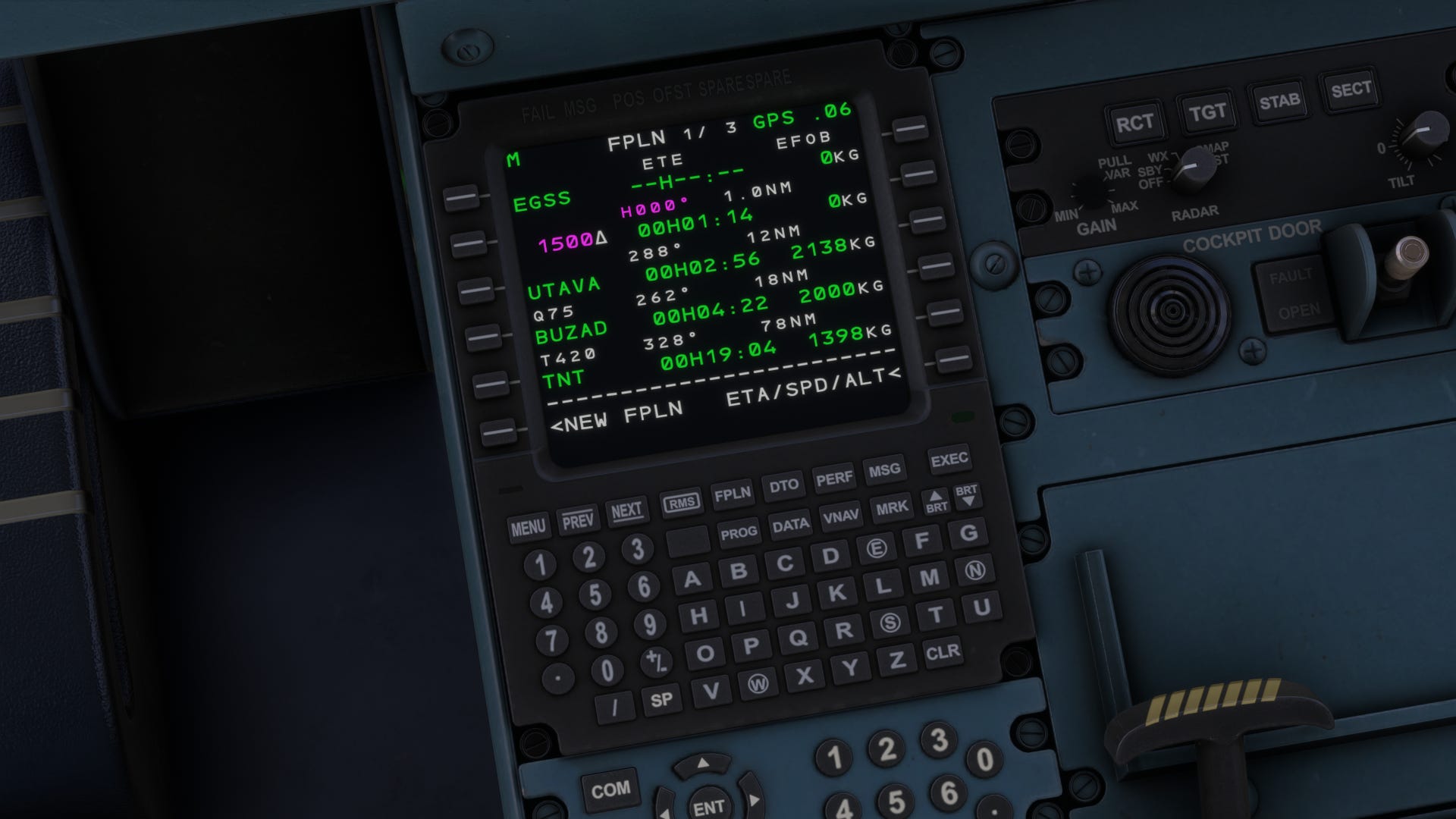
I’ve updated the functional procedure document to populate the MCDU automatically with flight plans from the EFB and aircraft tablet in the ATR 72 in Flight Simulator 2024.
There’s a lot of mud being thrown by people on the internet - and most of it is unwarranted.
You can programme flight plans manually directly into the MCDU
You can programme flight plans via SimBrief, import them into the aircraft tablet, and transfer them to the MCDU.
You can programme flight plans via the simulator EFB, transfer them to the aircraft tablet, and transfer them to the MCDU.
You can programme flight plans via the web, transfer them to the EFB, then to the aircraft tablet, and transfer them to the MCDU.
The updated procedure covers all routes.
One thing worth noting - there is a short-coming in the direct SimBrief route at the moment; the aircraft MCDU doesn’t always populate with the full route - only the departure and destination - this can be worked around by generating an OFP in Simbrief, copying the route, and pasting it into the simulator flight planner in a browser - then loading into the EFB, transferring it to the aircraft tablet, and on to the MCDU.
It’s all documented in the guide.
Click the link below to get a copy:
https://ko-fi.com/s/9b65e71286
If you have already bought a copy of the guide, you can re-download via the link in your receipt to get the latest version. If you joined ko-fi using the same email address you used when purchasing anything recently, when you login you will see past purchases, and can re-download that way too.